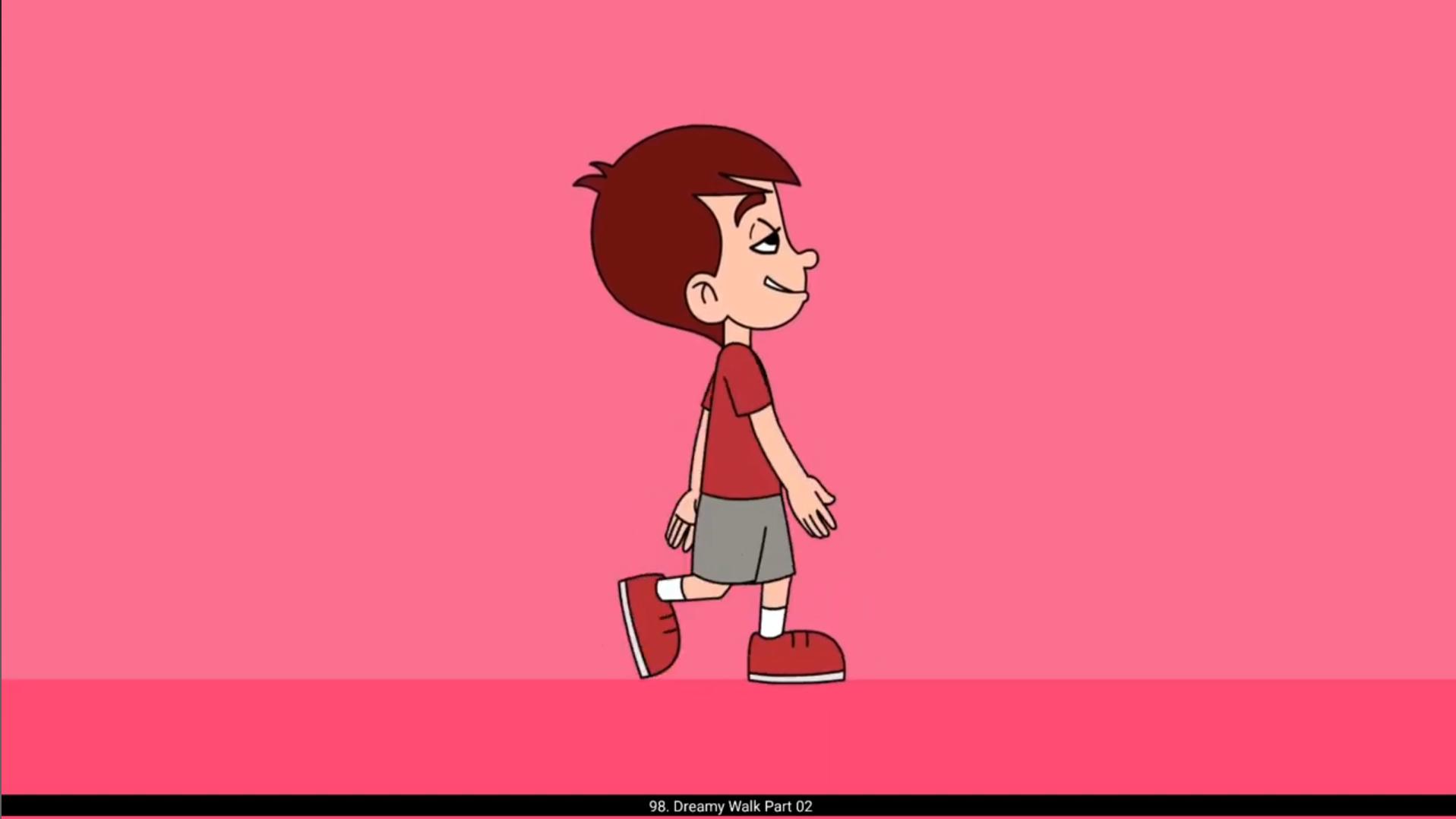
In this part of our dreamy walk, we will vector the key poses and add tween. We have already vectored the first key pose.We start by vectoring second key pose. Please see the video. We already have separated all the lines and fills on individual layers while vectoring the first pose to reduce the time.Please follow the video carefully to see how we vector every pose in the walk cycle. We then add classic tween between 1st and 4th keyframe and go inside the leg symbol to add shape tween to the shots and upper leg. Similarly, we do this to the other leg. Please see the video and follow carefully. We have now added the classic tween to every frame in our timeline. We now remove any breaks in the joints of our character. We do this by adding keyframe on the frame which we want to fix the joint..We have now completed the animation using tween for our walk cycle. Hope you found this useful. Thanks for watching.