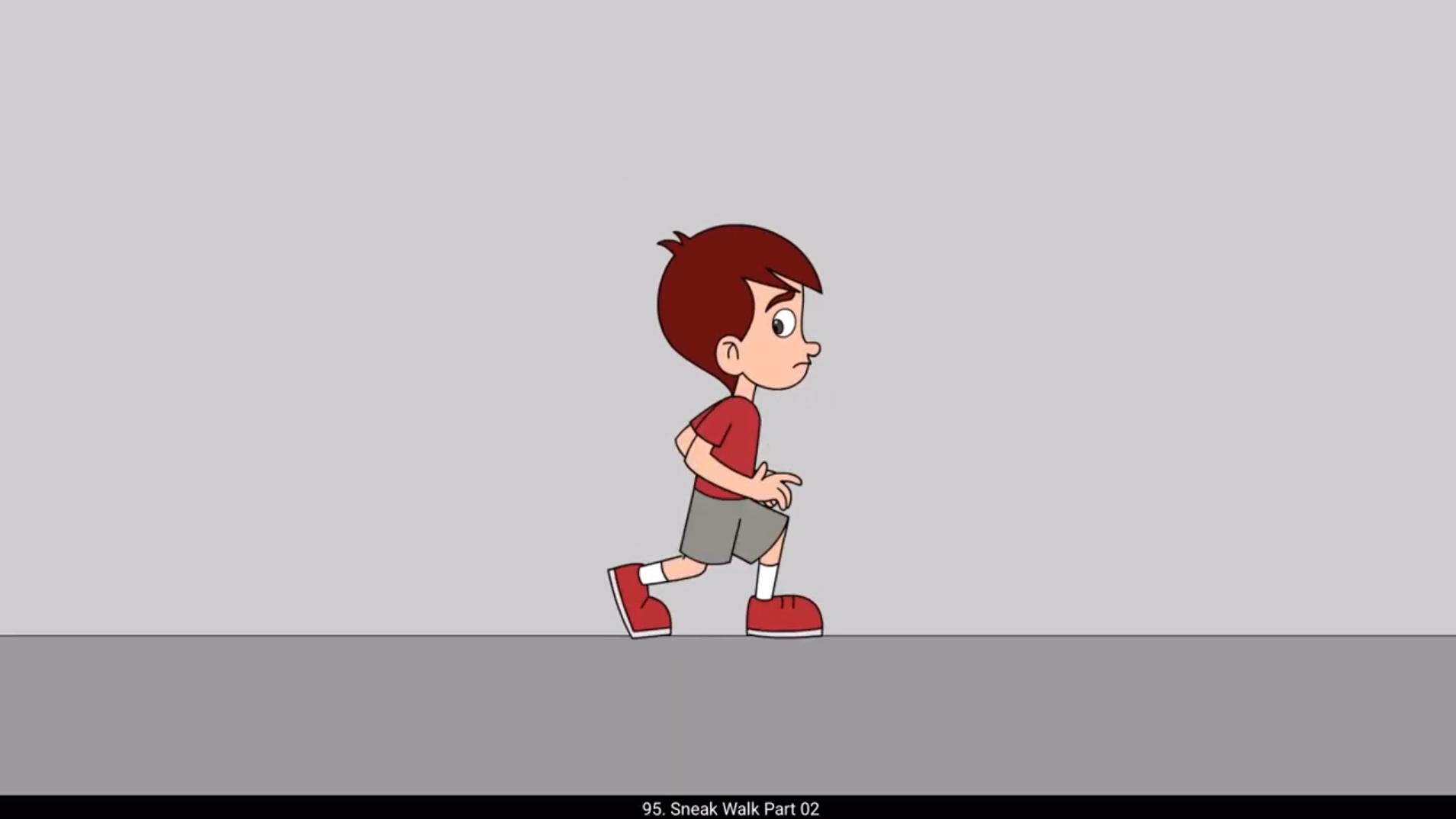
In this next part of our sneak walk, we will add tween to our walk. We will need to vector all the main poses that we had drawn in Part 1. Please follow the video. We start vectoring the first pose. We will be adding the shape tween to our animation later, so we need to separate every line and fill on separate layer. Please see as we separate every line of the torso, we will need to do this for every drawing inside every symbol excluding the head because we won't be adding any shape between inside the head symbol. Now we have vectored the first pose. We will add a keyframe on frame 60, so the first pose will stay at the last as well. For the animation to loop back, we will similarly vector every key pose of the sneak walk by adding keyframes on all the layers. We have already separated the lines and fills on individual layers, so it should take relatively less time to vector the poses than in the first pose. Now that we Have vectored every pose of our sneak walk. We add classic tween between the 1st and the 7th frame as seen in the video. We enter the torso by double clicking it and add a shape between between 1st and 7th keyframe. We can see that there is a distortion in the line on the left side of the shape hint A on the 1st frame using control plus shift plus H and place it on the top end of the line. We go to the 7th frame and place the same hint on the top end of the line as seen in the video. Now when we play it, we can see that we have eliminated the distortion. After the torso. We move to the right leg. We enter the symbol and add classic tween. Then go into each symbol inside the main leg symbol and add shape tween. We remove any distortion using shape hint. We will move ahead and repeat the same process. Please follow the video carefully. Now that we have done adding the tween to our poses, we have also adjusted the breaks in the animation.