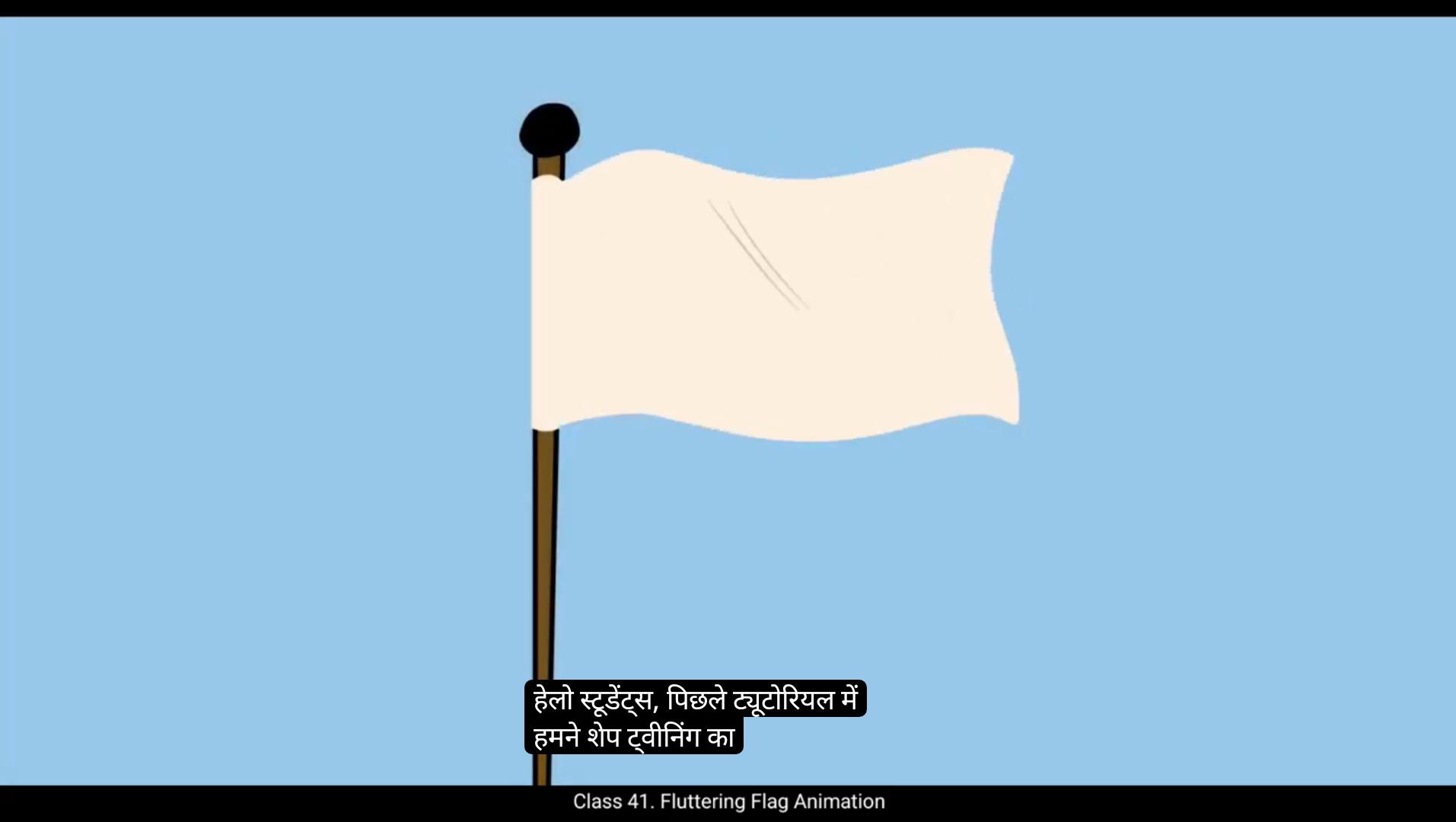
Hello students, In the earlier tutorial we learned how to animate a waving flag using shape tweening. In this video we're going to take it a step further and animate a fluttering flag using key by key traditional drawing. So let's start animating.On the 1st keyframe of layer 2, we'll begin by drawing the initial shape of the flag as shown in the video. This first drawing will set the base for the fluttering motion.Now go to frame #3 on layer 2 and add a blank keyframe. Turn on the onion skin tool so that you can see a faint outline of the previous frames drawing. This will help us in maintaining consistency in the movement while drawing the next poses. In this animation, we will be following the straight ahead animation principle where we draw each frame one by one in a sequential manner.Additionally, we will be using the drawing on twos technique, meaning we are creating a drawing on every.Every alternate frame. This technique helps maintain smooth motion while keeping the workload manageable. We'll continue by adding a new blank keyframe on every alternate frame in layer 2. For each keyframe, we'll draw the next position of the flag. Since a flag flutters in the wind, it doesn't move in a perfectly rigid manner. Pay attention to the natural curves and flow of fabric as you draw each frame. By drawing frame by frame, we are manually.The movement ensuring that it looks more fluid compared to automated tweening methods.Keep referring to the previous frames using onion skin to ensure a smooth transition from one drawing to the next. Once the rough drawings are complete, we'll go back and add fold lines to show the creases and depth in the fabric.This step is important as it enhances the realism of the flags movement.The fold lines should follow the flow of the flag and shift slightly with each frame, emphasizing the fluttering motion.After completing all the rough poses, clean up the drawings by tracing over them with clean single line strokes on layer one. Also fill color to flag and background. This step refines the animation and removes unnecessary sketch lines, giving the flag a polished, professional look.Once we finished the cleanup, we can play back our animation to see the smooth fluttering effect in action.Keep practicing and experimenting with different animation principles to refine your skills.Hope you found this helpful, thanks for watching. हेलो स्टूडेंट्स, पिछले ट्यूटोरियल में हमने Shape Tweening का इस्तेमाल करके एक waving flag को एनीमेट करना सीखा था। इस वीडियो में हम इसे एक कदम आगे बढ़ाते हुए, key-by-key traditional drawing का इस्तेमाल करके एक fluttering flag बनाएंगे। तो चलिए शुरू करते हैं एनीमेशन। लेयर 2 के पहले कीफ्रेम पर हम फ्लैग की शुरुआती शेप ड्रॉ करेंगे, जैसा कि वीडियो में दिखाया गया है। यह पहली ड्रॉइंग फ्लैग की fluttering motion के लिए बेस सेट करेगी। अब फ्रेम #3 पर जाएं और एक blank keyframe ऐड करें। Onion Skin Tool ऑन करें ताकि आपको पिछले फ्रेम की ड्रॉइंग की हल्की आउटलाइन दिखाई दे। यह हमें अगली ड्रॉइंग बनाते समय मूवमेंट की consistency बनाए रखने में मदद करेगा। इस एनीमेशन में हम Straight Ahead Animation Principle को फॉलो करेंगे, जहाँ हर फ्रेम को एक-एक करके sequential manner में ड्रॉ किया जाता है। इसके अलावा हम Drawing on Twos टेक्निक का इस्तेमाल करेंगे, यानि हम हर alternate frame पर एक नई ड्रॉइंग बनाएंगे। यह टेक्निक एनीमेशन को smooth बनाए रखती है, साथ ही वर्कलोड को भी manageable रखती है। अब हम लेयर 2 में हर दूसरे फ्रेम पर blank keyframe ऐड करते रहेंगे। हर नए कीफ्रेम पर फ्लैग की अगली पोज़ ड्रॉ करेंगे। क्योंकि फ्लैग हवा में लहराता है, इसलिए उसकी मूवमेंट कभी भी rigid नहीं होती। ड्रॉ करते समय कपड़े की natural curves और flow पर ध्यान दें। हर फ्रेम को मैन्युअली ड्रॉ करने से हम मूवमेंट को ज़्यादा fluid बना पाते हैं, जो ऑटोमेटेड ट्वीनिंग से कहीं बेहतर दिखता है। हर नई ड्रॉइंग बनाते समय Onion Skin का इस्तेमाल करते रहें ताकि एक फ्रेम से दूसरे फ्रेम तक मूवमेंट का smooth transition बना रहे। जब rough drawings पूरी हो जाएं, तो अब हम उनमें fold lines ऐड करेंगे ताकि कपड़े में आने वाली creases और depth को दिखाया जा सके। यह स्टेप बहुत ज़रूरी है क्योंकि यह फ्लैग की मूवमेंट को और realistic बनाता है। ध्यान दें कि fold lines फ्लैग के फ्लो के साथ चलें और हर फ्रेम में थोड़ा-थोड़ा शिफ्ट हों ताकि fluttering motion और उभरकर आए। जब सभी rough poses तैयार हो जाएं, तो अब हम ड्रॉइंग को clean up करेंगे — यानि, लेयर 1 पर जाकर क्लीन, सिंगल लाइन स्ट्रोक्स से उन पर trace करेंगे। फिर flag और background में color fill करें। यह स्टेप एनीमेशन को refined और professional लुक देता है, साथ ही एक्स्ट्रा स्केच लाइन्स को हटा देता है। जब क्लीनअप पूरा हो जाए, तो एनीमेशन को play back करें और स्मूद fluttering effect को एक्शन में देखें। लगातार प्रैक्टिस करते रहें और अलग-अलग एनीमेशन प्रिंसिपल्स पर एक्सपेरिमेंट करें ताकि आपकी स्किल्स और बेहतर हों। उम्मीद है आपको यह ट्यूटोरियल मददगार लगा होगा। Thanks for watching and happy animating!