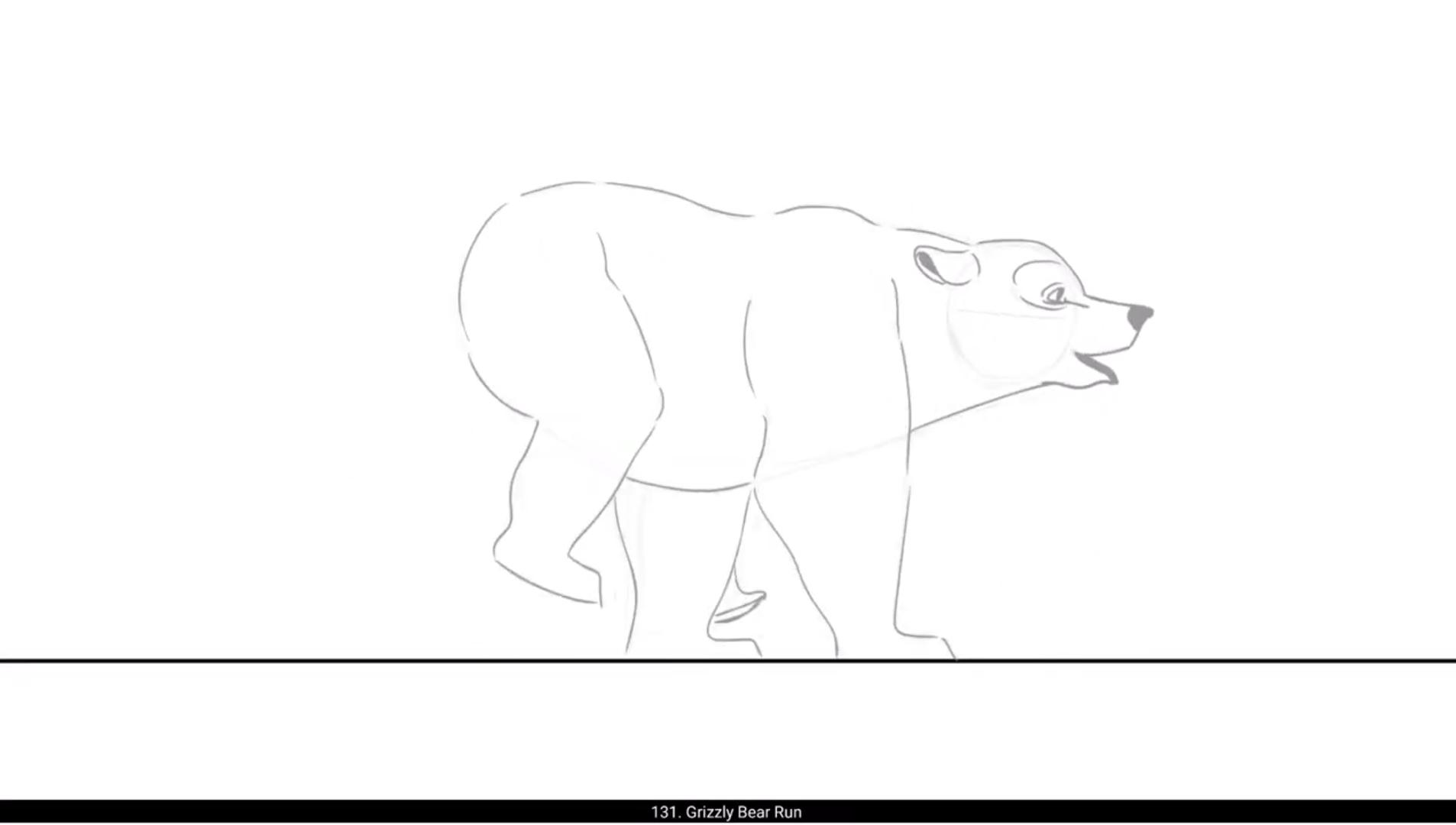
In this video we are going to animate a grizzly bear run cycle. Please see the video and follow.We are now drawing the first key pose of the run cycle. We have drawn the head first.In this post, only the rare legs will be in the contact with the ground.We add a blank keyframe on the next frame and start drawing the next pose. Please see the video and follow.In this pose, the front legs are in contact with the ground.So we have now drawn the two main key poses. We add a blank keyframe on frame 3 on the timeline. We then move on to the third key pose. We draw the fourth pose where the bears body will be stretched out the most in this run cycle.This drawing will be in between 2nd and 3rd pose.The next pose will be the squashed pose. Please follow the video carefully.We now draw the last pose of the Rand cycle.We have now completed the animation of the run cycle. Hope you found this helpful. Thanks for watching.