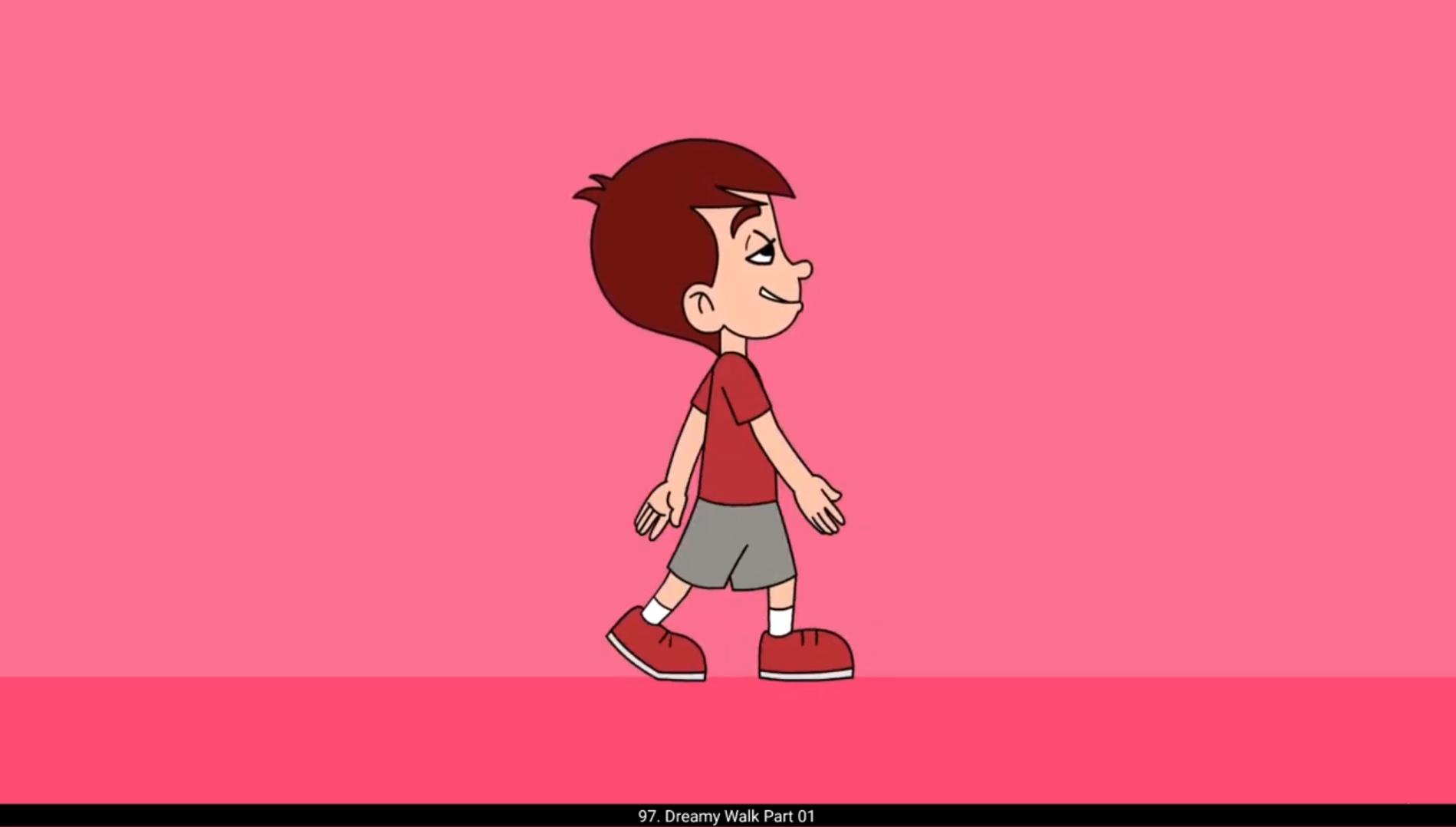
In this video we are going to animate Dreamy Walk.In the first part, we are going to draw the main key poses for this work. Please see the video. We have already traced the head from the reference. We are now drawing the first key pose. We now add a blank keyframe on frame 13 using F7 key and draw the second key pose. We now draw the contact pose on frame 4. After that we will draw other contact position with hands and legs flipped. We now draw the passing position on frame 7 and 19. Last, we will draw the breakdown poses on frame 10 and 22. We have now drawn all the poses for the Dreamy walk, so let's move to the Part 2. Thanks for watching.