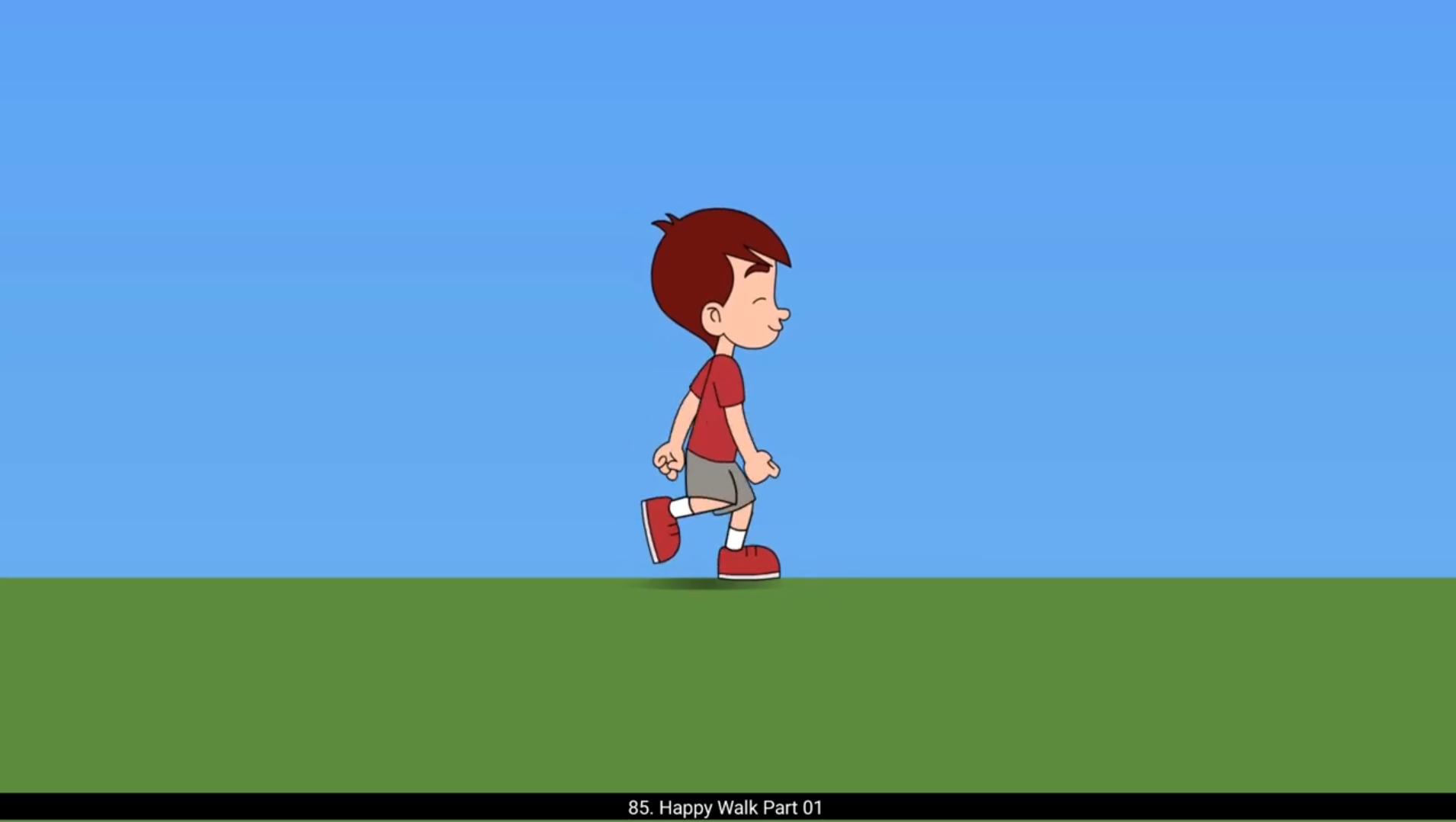
In this tutorial we are going to animate a happy walk. Let's get started. We start drawing the first extreme key pose using the brush tool as seen in the video. The right hand and the left leg will be in the front. We do not add any curve to the back and keep it fairly straight to make the character look happy. After we have drawn our extreme pose, we add a new layer below the drawing layer using the line tool, the shortcut for which is N , we draw a line which will act as a ground.We add a blank keyframe on frame 13 using F7 key. We copy the head group from the first drawing to this blank keyframe.We will now draw the second extreme with hands and the legs flipped.The left hand and the right leg will be in the front in this pose. We add a blank keyframe on frame 4 using F7. We copy the head group and move it down slightly as seen using the arrow keys.The head's position will be the lowest in this drawing.We are now drawing the contact pose here.In this pose, the front leg will make contact with the ground or we can say that the front leg hits the ground.The back leg will lift up.The hands will start going in the opposite direction in this pose. We will now add a blank keyframe using F7 on frame 16 and we will now draw the flipped drawing on the contact pose. On frame 7, we draw the passing position of our happy walk cycle.The head's position will be the highest in this pose.In this drawing, the legs will pass each other as the character moves forward. We will now draw the alternate drawing for the passing position with the hands and the legs flipped. The final drawing will be more of breakdown than a key pose, but we generally consider this as a key pose as well. In this drawing, the head will start to come down to the extreme pose and the legs start coming forward. We again draw this pose with hands and legs flipped. We have completed the main key poses for the Happy Walk.Hope you found this helpful, thanks for watching.