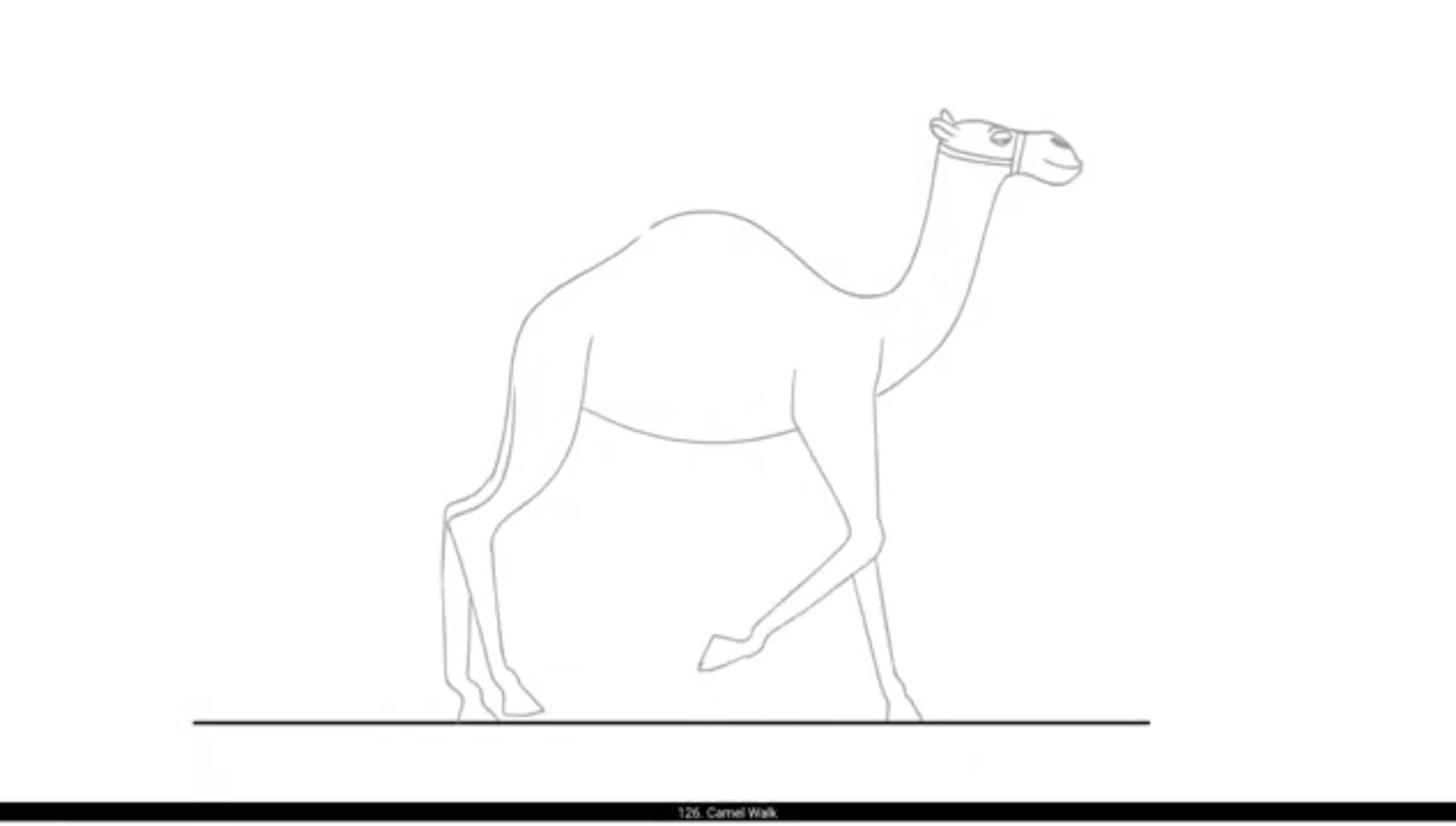
In this video we are going to animate camel walk cycle.We are now drawing the key poses for the camel walk. Please see the video and follow. We are now drawing the first key pose. In this pose, the rear left leg is on the ground and the front left leg is going to make contact with the ground.We now add a blank keyframe and draw the same pose with the legs flipped, where the rear right leg will be on the ground and the front right leg will be making contact.We have now drawn the two extremes for the walk cycle. We will draw the passing position for the walk. In this pose, the head will come down and the body will go up. Please see the video and follow carefully.After that, we draw the post with the other legs on the ground.Next, we draw the in between drawing for the first key pose and the first passing pose.We then repeat the same in between for the second key pose and the second passing pose.Please.Please see the video on how we draw the remaining poses for the Camel walk cycle.We have now completed the camel walk cycle drawing as seen in the video.